
Companion files33Pine Scripts
DownloadsThe code companion
Bring the lesson
to your chart.
Get all 33 original Pine files, or find the script for your chapter.
Download all 33 · ZIP Find individual scriptsUnderstand the idea. Work through the example.
Books and practical companions by James Rowan Merrick. Explore markets, money and solo business. Read the idea, question the assumptions, then work through it yourself.
35 forthcoming guides · Original learning resources
Read. Explore. Put an idea to work.
The bookshelf
Browse Illustrated Market Guides and the separate personal-finance and solo-business collection. All books are forthcoming; new titles and covers remain subject to publisher review.
Amazon links will appear here when the book listings are ready.
35 books · All coming soon
No matching books. Try a broader subject or reset the filters.
Illustrated Market Guides
The code companion
Get all 33 original Pine files, or find the script for your chapter.
Download all 33 · ZIP Find individual scripts
Market structure
Zones, imbalances and the context around a price level.
Explore reader resources ↓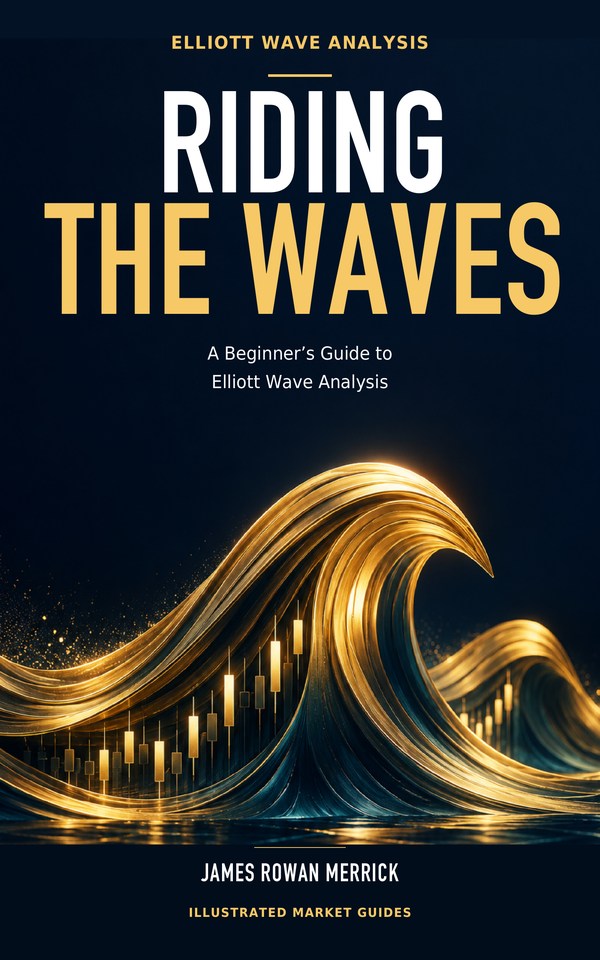
Market structure
An approachable introduction to Elliott wave interpretation.
Explore reader resources ↓Market structure
Wyckoff accumulation and distribution in one guide.
Explore reader resources ↓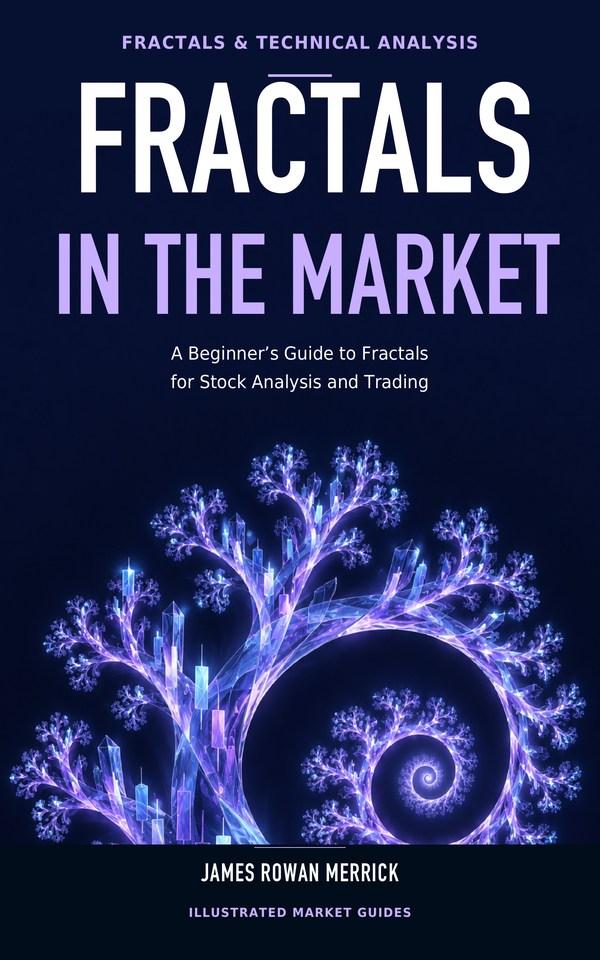
Market structure
Bill Williams’ tools, swings and confirmation.
Explore reader resources ↓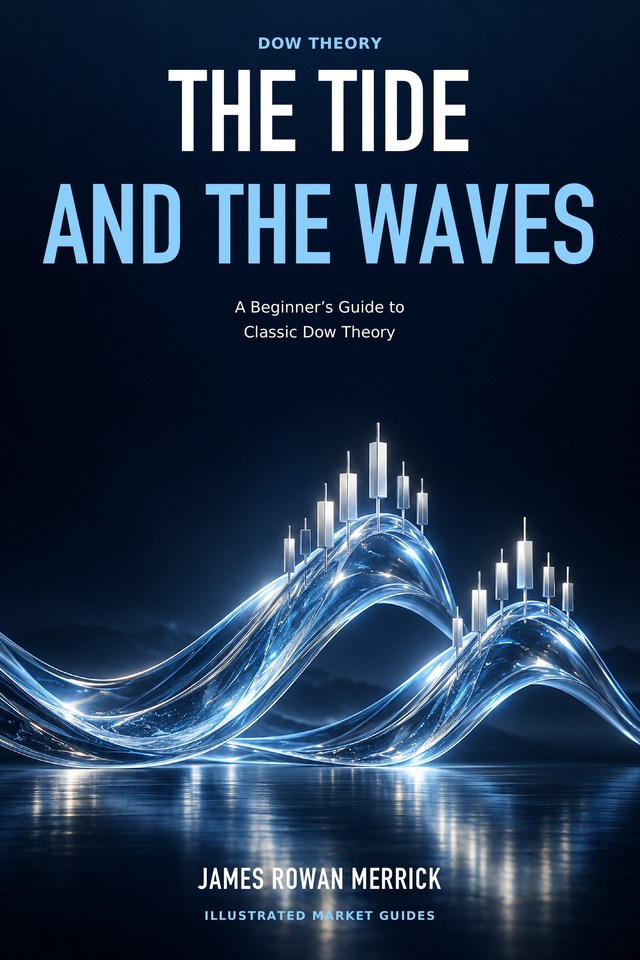
Market structure
Trends, confirmation and the Dow perspective.
Explore reader resources ↓
Market structure
Value, participation and the auction view of markets.
Explore reader resources ↓
Market structure
Liquidity language, price structure and its limits.
Explore reader resources ↓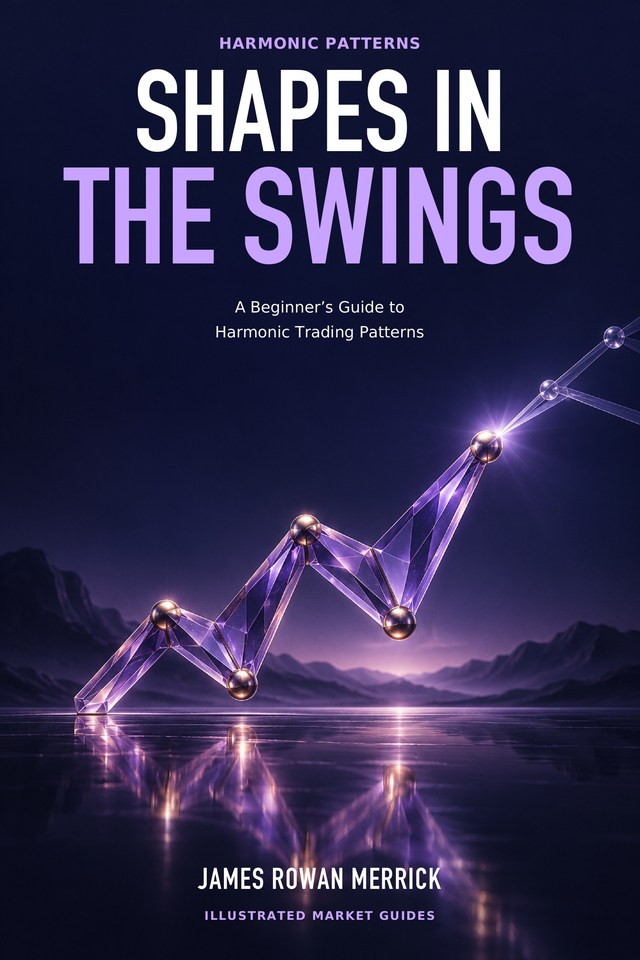
Market structure
Swing proportions and the discipline of pattern measurement.
Explore reader resources ↓
Market structure
Price, time, scale and a careful look at Gann tools.
Explore reader resources ↓Illustrated Market Guides
Rules & testing
Build and question a rules-based trend approach.
Explore reader resources ↓
Rules & testing
Explore what it means for price to return toward a reference.
Explore reader resources ↓
Rules & testing
Follow relative strength, momentum and rotation.
Explore reader resources ↓
Rules & testing
Understand VWAP, anchoring and execution trade-offs.
Explore reader resources ↓
Rules & testing
Compare two assets without assuming their relationship will last.
Explore reader resources ↓
Rules & testing
Study futures spreads, carry and contract details.
Explore reader resources ↓
Rules & testing
Turn an idea into a test with costs and honest assumptions.
Explore reader resources ↓Practical companion
Learn TradingView and Pine Script, one worked lesson at a time.
Explore reader resources ↓Illustrated Market Guides
Options
Build intuition for options, payoffs and everyday risk.
Explore reader resources ↓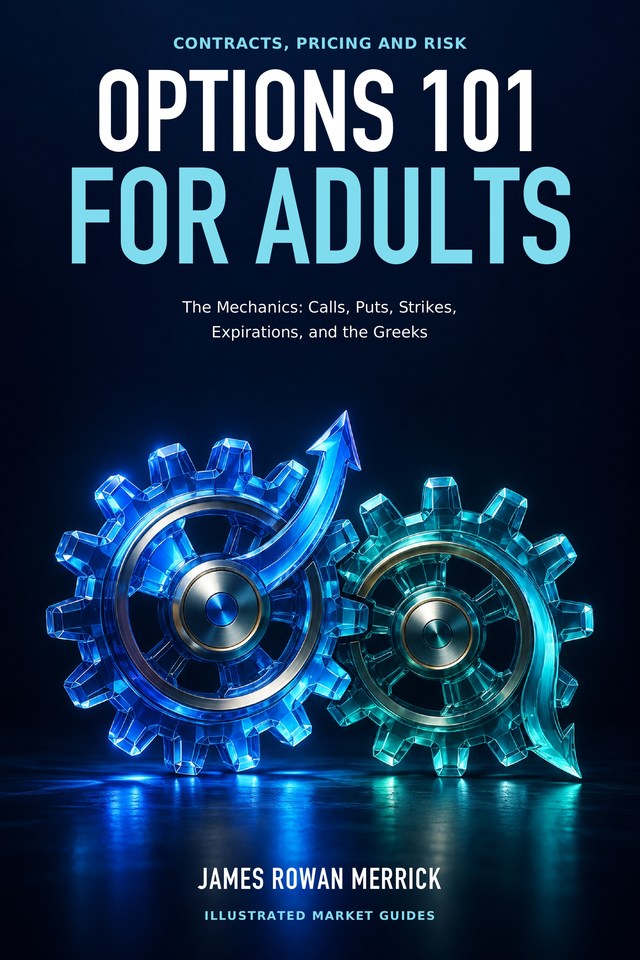
Options
Work through option mechanics, positions and risk.
Explore reader resources ↓
Options
Examine 0DTE, lottery trades and speculative trading culture.
Explore reader resources ↓Illustrated Market Guides
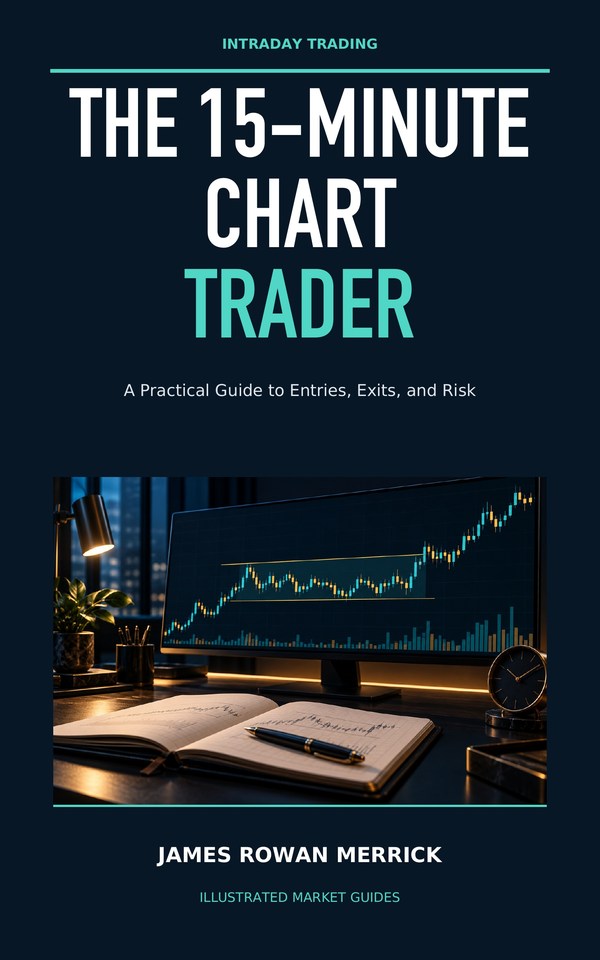
Trading practice
Work through opening-range entries, exits and risk with fictional sessions.
Working title · publisher review pending
Reader worksheet ↓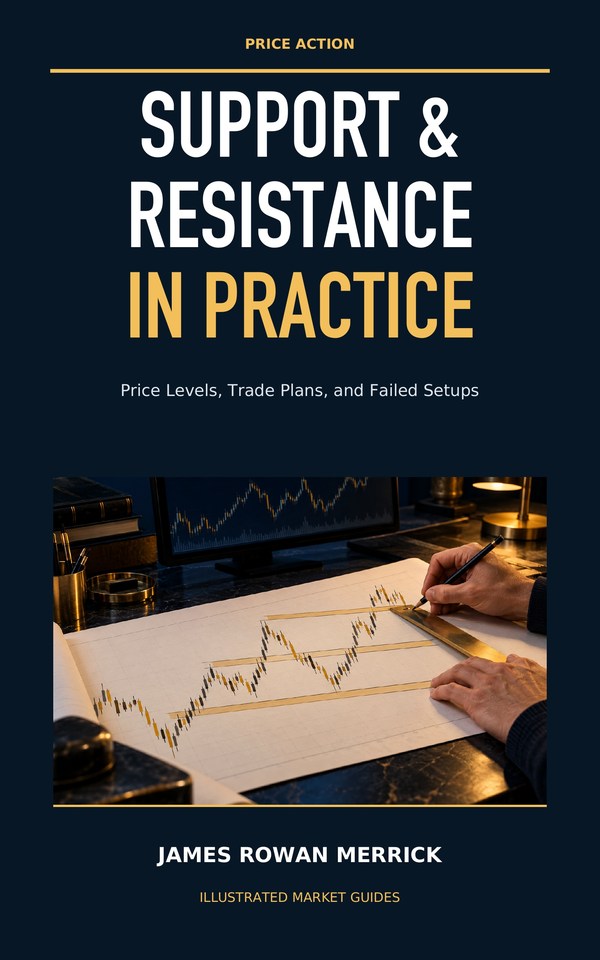
Trading practice
Audit confirmed levels, retests and the timing of information.
Working title · publisher review pending
Reader worksheet ↓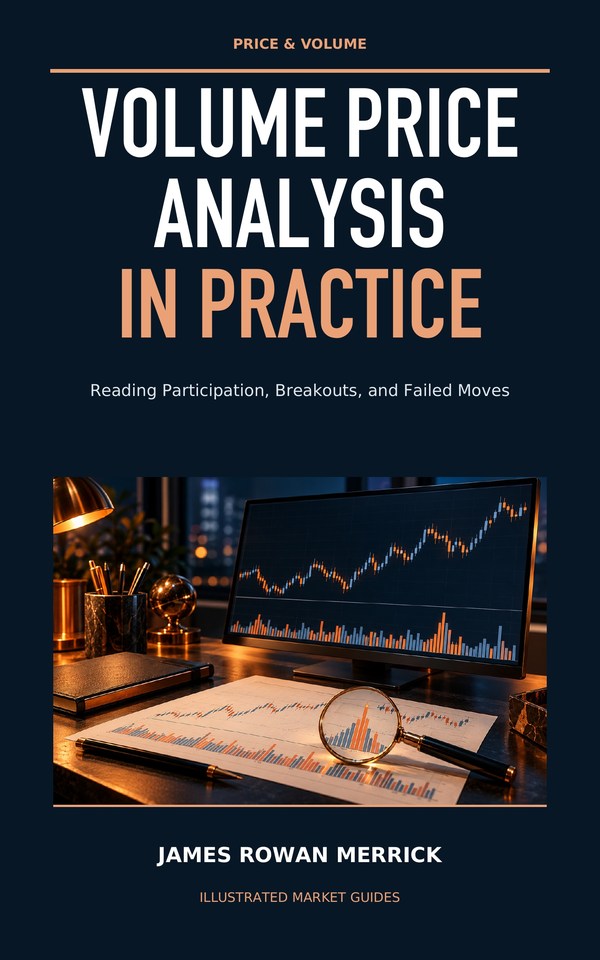
Trading practice
Read price and reported volume with careful limits on interpretation.
Working title · publisher review pending
Reader worksheet ↓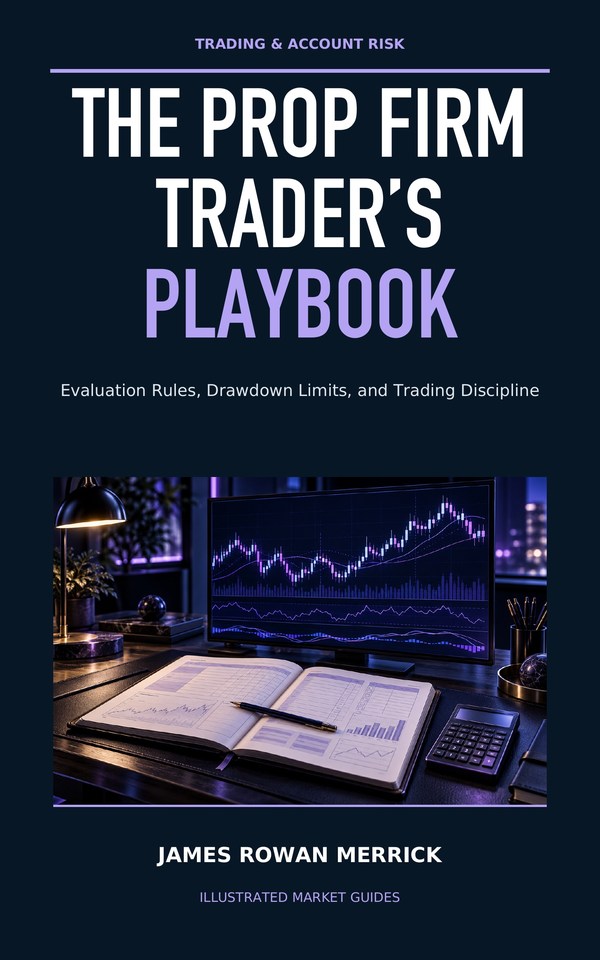
Trading practice
Record drawdown rules, risk limits and the cost of participation.
Working title · publisher review pending
Reader worksheet ↓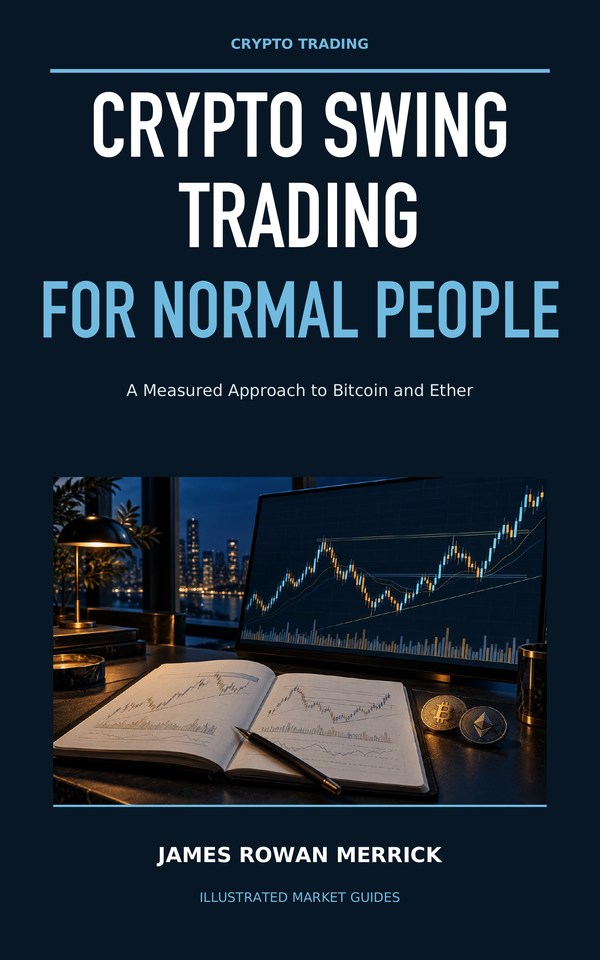
Trading practice
Explore daily spot setups with hypothetical examples and an execution journal.
Working title · publisher review pending
Reader worksheet ↓
Trading practice
Question network metrics, attribution and the limits of on-chain evidence.
Working title · publisher review pending
Reader worksheet ↓
Trading practice
Examine position sizing, custody and adverse scenarios.
Working title · publisher review pending
Reader worksheet ↓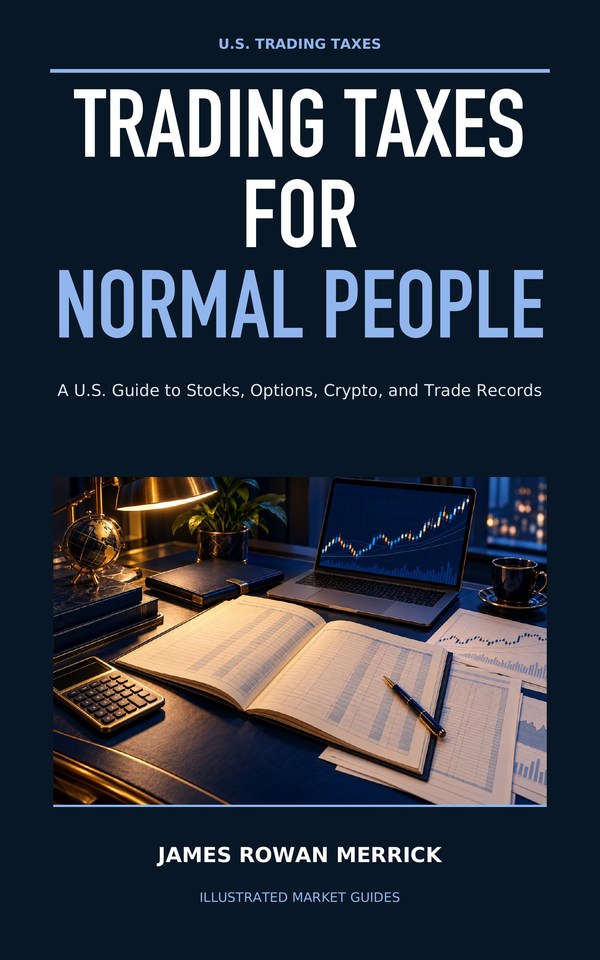
Trading practice
Organize trading records and questions for a qualified tax professional.
Working title · publisher review pending
Reader worksheet ↓A separate group; series name is still pending.
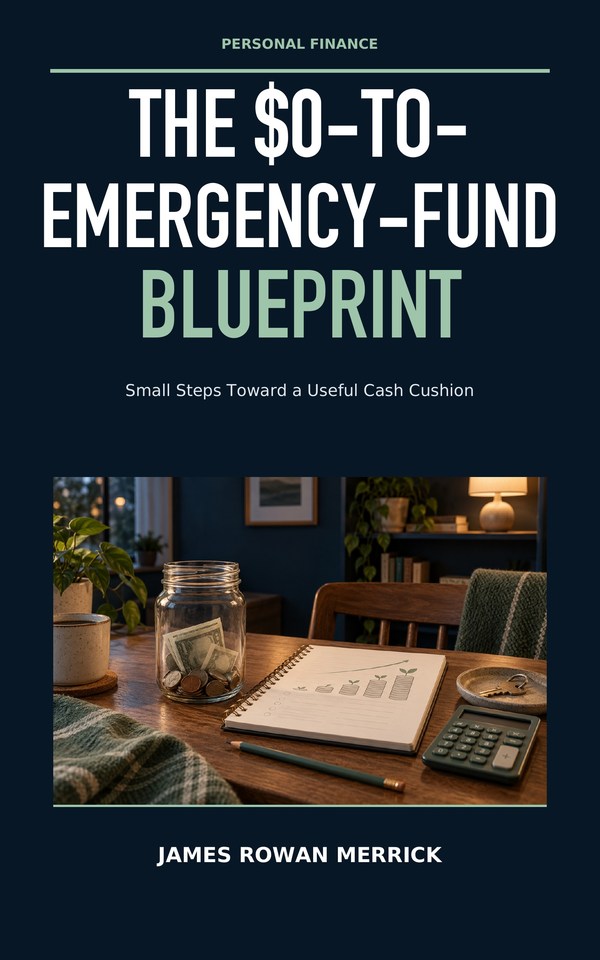
Personal finance
Plan a first cash cushion around a realistic next expense.
Working title · publisher review pending
Reader worksheet ↓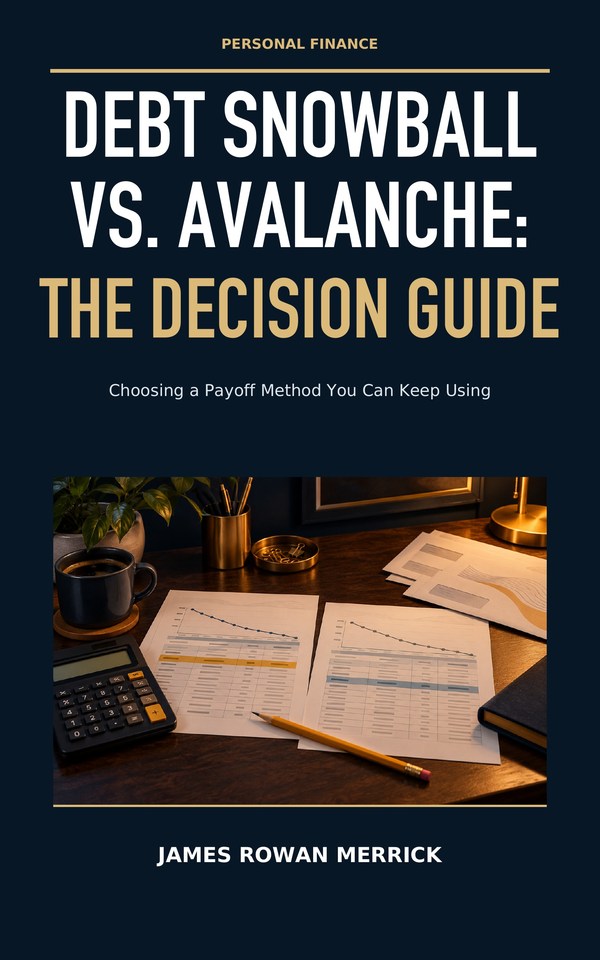
Personal finance
Compare snowball and avalanche schedules using a constructed example.
Working title · publisher review pending
Reader worksheet ↓
Personal finance
Explore contributions, costs and assumptions behind a long-term investing plan.
Working title · publisher review pending
Reader worksheet ↓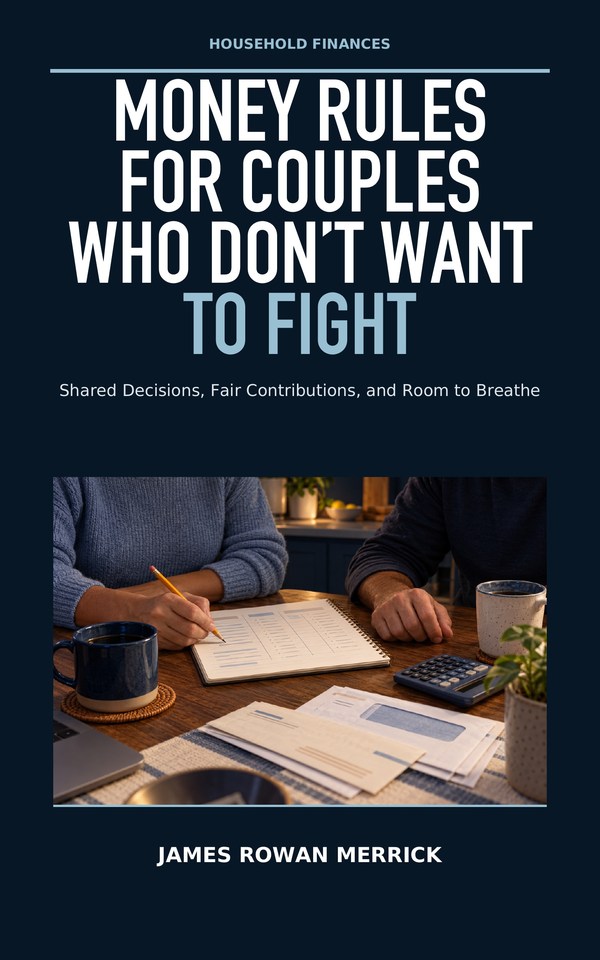
Personal finance
Make room for shared priorities and regular money conversations.
Working title · publisher review pending
Reader worksheet ↓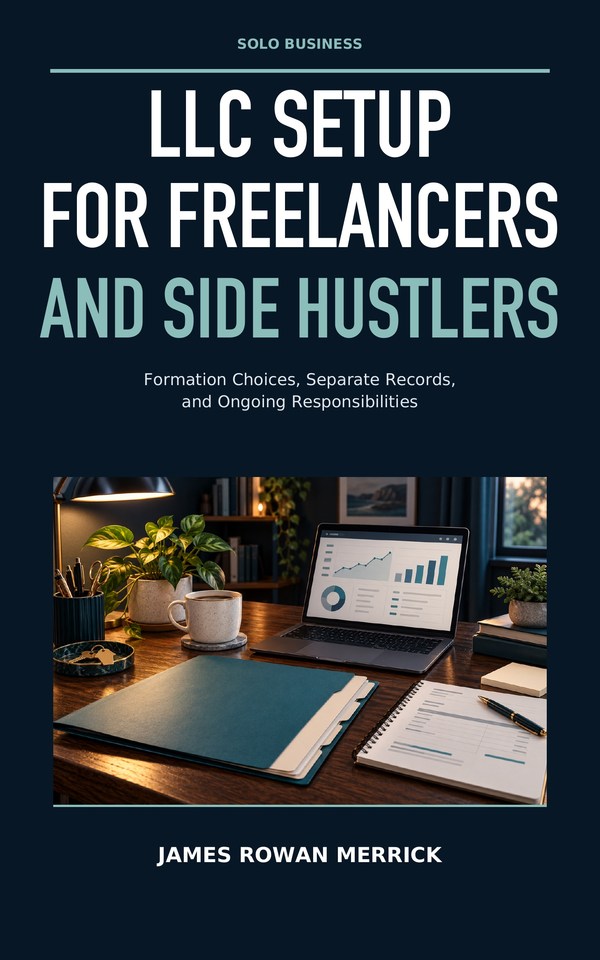
Solo business
Organize entity-setup questions, responsibilities and records.
Working title · publisher review pending
Reader worksheet ↓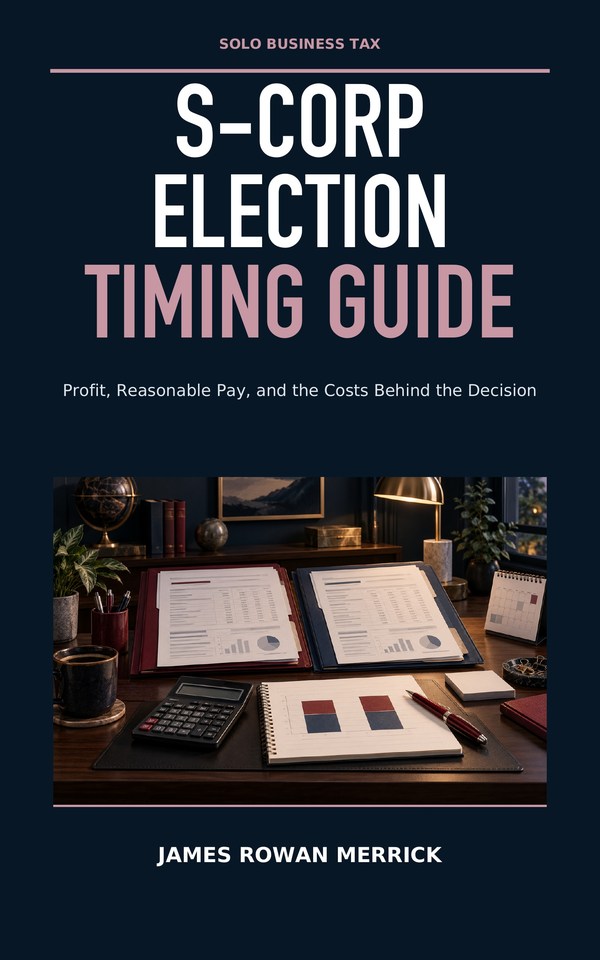
Solo business
Compare election timing questions and administrative trade-offs.
Working title · publisher review pending
Reader worksheet ↓
Solo business
Build a practical recordkeeping and account-separation checklist.
Working title · publisher review pending
Reader worksheet ↓Keep learning off the page
Blank worksheets, constructed examples and original teaching data. Download a copy and keep your notes locally. These files are learning materials, not observed market history or personal advice.
15 worksheets in Markdown and CSV, 2 hypothetical debt schedules, and 38 original teaching-data files. No signup required.
Read the exercise, then record your own observations in a separate copy.
Back to book ↑Read the exercise, then record your own observations in a separate copy.
Read the exercise, then record your own observations in a separate copy.
Read the exercise, then record your own observations in a separate copy.
Read the exercise, then record your own observations in a separate copy.
Read the exercise, then record your own observations in a separate copy.
Back to book ↑Read the exercise, then record your own observations in a separate copy.
Read the exercise, then record your own observations in a separate copy.
Read the exercise, then record your own observations in a separate copy.
Read the exercise, then record your own observations in a separate copy.
Read the exercise, then record your own observations in a separate copy.
Read the exercise, then record your own observations in a separate copy.
Read the exercise, then record your own observations in a separate copy.
Read the exercise, then record your own observations in a separate copy.
Back to book ↑Read the exercise, then record your own observations in a separate copy.
All values below are hypothetical teaching examples. Session labels do not identify actual trading dates. Read the matching book before interpreting the data.
CSV files can be opened in a spreadsheet. Markdown files open as text. Nothing you enter locally is sent to this site. Do not include passwords or account numbers in worksheets.
The Indicator Workshop · Reader companion
Download the exact source files used in the lessons. Begin with one moving average, then build toward patterns, volume, comparisons and testable rules.
Download all 28 scriptsPine Script v6 · Release v3c · October 16, 2026
ZIP · 25 KB · 19 indicators + 9 strategies
//@version=6
indicator("Workshop 01 Average", overlay=true)
length = input.int(5, "Closes to average", minval=1)
average = ta.sma(close, length)
plot(average, "Average", color=color.blue, linewidth=2)
New to Pine Script?
Pine Script is TradingView’s chart scripting language. Keep the book open beside your chart and work through the matching lesson before changing the code.
Open TradingView Supercharts and choose ordinary candles. Check the symbol and exchange, time interval, session, time zone and price adjustments against the lesson. Confirm that the data you need is available.
Open Pine Editor. Create a blank indicator or strategy to match the file’s label, then replace all starter code with one complete script. Save it in your account and select Add to chart. No public script publication is needed.
Open the script’s settings and match the lesson inputs. Check the overlay or separate pane against the expected result. If a value is missing, allow enough history and check the data before changing the logic.
Original schematic illustrations; platform controls may move. TradingView’s current first-script guide ↗
Copy the source, not printed line numbers. The .pine files contain the full lesson code. Adding a script does not create an alert or connect a broker. Alert setup and strategy testing are separate steps covered in the book.
The source library
Find the script number in your chapter, download the file or copy its code. Scripts 19–28 appear in the chapter 44 reference collection; scripts 29–33 accompany the newer trading guides. Start with the early lessons if you are learning from scratch.
No matching scripts. to see all 33.
See how five closing prices become one line on the price chart.
Chart setup NASDAQ:AAPL; 1D; regular session; ordinary candles
Lesson inputs: Length 5
Expected: Overlay average; matches built-in SMA of close with zero offset on completed bars
01_first_average.pine · Pine Script v6
//@version=6
indicator("Workshop 01 Average", overlay=true)
length = input.int(5, "Closes to average", minval=1)
average = ta.sma(close, length)
plot(average, "Average", color=color.blue, linewidth=2)
SHA-256 35050dc00bdd4c6769a613382aa5b41a21aea5515f09a72e538beff808629783
Compare price with a prior high and a moving average; mark confirmed candidates.
Chart setup NASDAQ:AAPL; 1D; regular session
Lesson inputs: Prior bars 5; average 10
Expected: Two price references and triangles only on completed qualifying bars
02_trend_workbench.pine · Pine Script v6
//@version=6
indicator("Workshop 02 Trend", overlay=true)
length = input.int(20, "Prior bars", minval=2)
smooth = input.int(50, "Trend average", minval=2)
boundary = ta.highest(high, length)[1]
average = ta.sma(close, smooth)
ready = bar_index >= math.max(length, smooth)
candidate = close > boundary and close > average
signal = ready and candidate and barstate.isconfirmed
plot(boundary, "Prior high", color=color.gray)
plot(average, "Trend average", color=color.blue)
plotshape(signal, "Qualified close", shape.triangleup,
    location.belowbar, color=color.green, size=size.tiny)
alertcondition(signal, "Qualified close",
    "Workshop trend condition on {{ticker}} {{interval}}")
SHA-256 bb55497e83ac5154d9a6ca21f4a63aed21be8d138354878281f1f39fff5945e6
Measure distance from a prior mean in standard-deviation units.
Chart setup NASDAQ:AAPL; 1D
Lesson inputs: Reference 20; distance 2
Expected: Separate-pane standardized distance and completed low-extreme dots
03_stretch_meter.pine · Pine Script v6
//@version=6
indicator("Workshop 03 Stretch", overlay=false)
length = input.int(20, "Reference bars", minval=2)
threshold = input.float(2.0, "Distance", minval=0.1)
center = ta.sma(close, length)[1]
spread = ta.stdev(close, length, true)[1]
z = spread > 0 ? (close - center) / spread : na
plot(z, "Distance in deviations", color=color.blue)
hline(0, "Reference", color=color.gray)
hline(threshold, "Upper distance", color=color.gray)
hline(-threshold, "Lower distance", color=color.gray)
lowExtreme = z < -threshold and barstate.isconfirmed
plotshape(lowExtreme, "Low extreme", shape.circle,
    location.bottom, color=color.orange, size=size.tiny)
SHA-256 faa9f62ed91613415b5243086f4bd76160eb4da912dc8f622b929dc3a4fcfd28
Compare price returns for two symbols over the same window.
Chart setup AMEX:SPY; 1D; matching regular sessions
Lesson inputs: Comparison NASDAQ:QQQ; 20 bars
Expected: Two percentage returns and percentage-point difference
04_relative_strength.pine · Pine Script v6
//@version=6
indicator("Workshop 04 Relative Strength", overlay=false)
other = input.symbol("AMEX:SPY", "Comparison")
length = input.int(20, "Return bars", minval=1)
[peer, peerTime] = request.security(other,
    timeframe.period, [close, time_close],
    gaps=barmerge.gaps_on, lookahead=barmerge.lookahead_off)
aligned = not na(peer) and peerTime == time_close
baseOK = aligned and aligned[length]
ownReturn = (close[length] > 0 ?
    100 * (close / close[length] - 1) : na)
peerReturn = (peer[length] > 0 ?
    100 * (peer / peer[length] - 1) : na)
plot(baseOK ? ownReturn : na, "Chart return",
    color=color.blue, style=plot.style_linebr)
plot(baseOK ? peerReturn : na, "Peer return",
    color=color.orange, style=plot.style_linebr)
plot(baseOK ? ownReturn - peerReturn : na,
    "Return difference", color=color.gray)
hline(0, "Zero", color=color.gray)
SHA-256 c165a9d39422b60f14914a12e7190849a9dbe79636388fc786dd0d8b9e702856
Mark confirmed pivots and learn why a swing needs later bars to confirm.
Chart setup NASDAQ:AAPL; 1D
Lesson inputs: Wing 2
Expected: Stepped known levels; circles on confirmation bars
05_swing_diary.pine · Pine Script v6
//@version=6
indicator("Workshop 05 Swing Diary", overlay=true)
wing = input.int(2, "Bars on each side", minval=1)
peak = ta.pivothigh(high, wing, wing)
valley = ta.pivotlow(low, wing, wing)
newHigh = not na(peak) and barstate.isconfirmed
newLow = not na(valley) and barstate.isconfirmed
var float lastHigh = na
var float lastLow = na
if newHigh
    lastHigh := peak
if newLow
    lastLow := valley
plot(lastHigh, "Known high", color=color.gray,
    style=plot.style_stepline)
plot(lastLow, "Known low", color=color.blue,
    style=plot.style_stepline)
plotshape(newHigh, "High confirmed now", shape.circle,
    location.abovebar, color=color.gray, size=size.tiny)
plotshape(newLow, "Low confirmed now", shape.circle,
    location.belowbar, color=color.blue, size=size.tiny)
SHA-256 d1a56563b13f42267e4435ec57bee8d51ac7c0a2f768b56a959cfa8533b47126
Watch price test a manually chosen, frozen trading range.
Chart setup Any ordinary daily chart with an already identified range
Lesson inputs: Set real floor/ceiling and begin date; defaults are synthetic
Expected: Frozen lines and lower/upper probes after observation starts
06_range_probes.pine · Pine Script v6
//@version=6
indicator("Workshop 06 Range Probes", overlay=true)
floor = input.float(100.0, "Frozen range floor")
ceiling = input.float(110.0, "Frozen range ceiling")
start = input.time(timestamp("01 Jan 2026 00:00 +0000"),
    "Begin observation")
if ceiling <= floor
    runtime.error("Ceiling must be above floor")
inside = close > floor and close < ceiling
ready = time >= start and barstate.isconfirmed
lowerProbe = ready and low < floor and inside
upperProbe = ready and high > ceiling and inside
plot(time >= start ? floor : na, "Floor",
    color=color.blue, style=plot.style_linebr)
plot(time >= start ? ceiling : na, "Ceiling",
    color=color.gray, style=plot.style_linebr)
plotshape(lowerProbe, "Lower probe", shape.triangleup,
    location.belowbar, color=color.blue, size=size.tiny)
plotshape(upperProbe, "Upper probe", shape.triangledown,
    location.abovebar, color=color.orange, size=size.tiny)
SHA-256 33d393ac627ed100166da1ab63f950ac99212ea3cc3cd592a321eeeb7a8de054
Draw the latest bullish gap geometry. A gap does not prove hidden orders.
Chart setup NASDAQ:AAPL; 1D or 60 minutes
Lesson inputs: Minimum ticks 1
Expected: Latest bullish outer-bar interval; overlap circles and failed-close crosses
07_gap_zone.pine · Pine Script v6
//@version=6
indicator("Workshop 07 Latest Bullish Gap", overlay=true)
minimum = input.int(1, "Minimum gap ticks", minval=1)
width = minimum * syminfo.mintick
found = barstate.isconfirmed and low > high[2] + width
var float bottom = na
var float top = na
var int created = na
if found
    bottom := high[2]
    top := low
    created := bar_index
touched = (not na(top) and bar_index > created and
    low <= top and high >= bottom)
failed = (not na(bottom) and close < bottom and
    barstate.isconfirmed)
plot(top, "Latest upper edge", color=color.blue,
    style=plot.style_stepline)
plot(bottom, "Latest lower edge", color=color.gray,
    style=plot.style_stepline)
plotshape(touched and barstate.isconfirmed, "Overlap",
    shape.circle, location.belowbar, color=color.orange,
    size=size.tiny)
plotshape(failed, "Close below zone", shape.xcross,
    location.abovebar, color=color.red, size=size.tiny)
SHA-256 54a80b682147766c0abeaf83a61b5619169fbd65310cc0a8cf2ed2cf05c9dcac
Flag a confirmed close back above a prior low after trading below it.
Chart setup NASDAQ:AAPL; 1D
Lesson inputs: Prior bars 5 for audit, then 20
Expected: Prior-low line and completed reclaim triangles
08_reclaim_watch.pine · Pine Script v6
//@version=6
indicator("Workshop 08 Reclaim Watch", overlay=true)
length = input.int(20, "Prior bars", minval=2)
reference = ta.lowest(low, length)[1]
probe = low < reference
returnInside = close > reference
signal = (bar_index >= length and probe and
    returnInside and barstate.isconfirmed)
plot(reference, "Prior low", color=color.gray)
plotshape(signal, "Reclaim", shape.triangleup,
    location.belowbar, color=color.blue, size=size.tiny)
alertcondition(signal, "Reclaim at close",
    "Prior low reclaimed on {{ticker}} {{interval}}")
SHA-256 ae97195faa462c5895515338bb3c2e23641f817f5f175d81bd58daa7898679bc
Check manually entered swing distances without claiming to discover a pattern.
Chart setup Any ordinary chart; pane output is input-only
Lesson inputs: A120 B100 C112 D92 tolerance .05
Expected: Ratio 1; retracement .6; pass line 1
09_abcd_ruler.pine · Pine Script v6
//@version=6
indicator("Workshop 09 ABCD Ruler", overlay=false)
a = input.float(120.0, "A price")
b = input.float(100.0, "B price")
c = input.float(112.0, "C price")
d = input.float(92.0, "D price")
tolerance = input.float(0.05, "Equality tolerance",
    minval=0.0, maxval=0.5)
ab = math.abs(b - a)
bc = math.abs(c - b)
cd = math.abs(d - c)
geometry = a > c and c > b and b > d
ratio = ab > 0 ? cd / ab : na
retracement = ab > 0 ? bc / ab : na
accepted = geometry and math.abs(ratio - 1) <= tolerance
plot(ratio, "CD divided by AB", color=color.blue)
plot(retracement, "BC divided by AB", color=color.gray)
plot(accepted ? 1 : 0, "Geometry and equality pass",
    color=color.orange)
hline(1, "Equal legs", color=color.gray)
SHA-256 9e27f8b496997ada3a4b728a5142cf4d57ac334126e14e6765a515eaa6324a33
Draw a chosen rate of price change. Screen angles depend on chart scale.
Chart setup Ordinary 1D chart; linear scale
Lesson inputs: Loaded anchor bar, price100, rate1
Expected: At age0/4, guides100/104; half102 and double108 at age4
10_rate_grid.pine · Pine Script v6
//@version=6
indicator("Workshop 10 Price Per Bar", overlay=true)
anchor = input.time(timestamp("01 Jan 2026 00:00 +0000"),
    "Anchor time")
price = input.float(100.0, "Anchor price")
rate = input.float(1.0, "Price units per bar")
var int origin = na
if na(origin) and time >= anchor
    origin := bar_index
age = na(origin) ? na : bar_index - origin
guide = price + rate * age
plot(guide, "Declared rate", color=color.blue)
plot(price + 0.5 * rate * age, "Half rate",
    color=color.gray)
plot(price + 2.0 * rate * age, "Double rate",
    color=color.orange)
SHA-256 eab6a6bd9f294854e3722dc0b118ea9d1562f7a86e6bb22ccecbe869d339c200
Build a bar-based, volume-weighted reference from a chosen start time.
Chart setup NASDAQ:AAPL; 5 minutes; reported volume
Lesson inputs: Anchor at loaded opening timestamp
Expected: Cumulative typical-price weighted estimate from anchor
11_anchored_vwap.pine · Pine Script v6
//@version=6
indicator("Workshop 11 Anchored VWAP", overlay=true)
anchor = input.time(timestamp("01 Jan 2026 00:00 +0000"),
    "Anchor time")
active = time >= anchor
var float pv = 0.0
var float total = 0.0
var bool bad = false
if active
    bad := bad or na(volume)
    if not na(volume) and volume > 0
        pv += hlc3 * volume
        total += volume
value = (active and not bad and total > 0 ?
    pv / total : na)
plot(value, "Bar weighted VWAP", color=color.blue,
    linewidth=2, style=plot.style_linebr)
bgcolor(active and bad ? color.new(color.red, 88) : na)
SHA-256 dded0ddf686d20f7a07dee9c5408ca770117237547572593ce5d059dadc8c0ea
Reset a volume-weighted reference with an explicit session and time zone.
Chart setup NASDAQ:AAPL; 5 minutes
Lesson inputs: 0930-1600 America/New_York
Expected: Session segments reset each local date
12_session_vwap.pine · Pine Script v6
//@version=6
indicator("Workshop 12 Session VWAP", overlay=true)
session = input.session("0930-1600", "Day session")
zone = input.string("America/New_York", "Time zone")
if not timeframe.isintraday
    runtime.error("Use an intraday time chart")
inside = not na(time(timeframe.period, session, zone))
dayKey = time("1D", "0000-0000", zone)
newDay = ta.change(dayKey) != 0
restart = inside and (not inside[1] or newDay)
var float pv = 0.0
var float total = 0.0
var bool bad = false
if restart
    pv := 0.0
    total := 0.0
    bad := false
if inside
    bad := bad or na(volume)
    if not na(volume) and volume > 0
        pv += hlc3 * volume
        total += volume
value = (inside and not bad and total > 0 ?
    pv / total : na)
plot(value, "Session estimate", color=color.blue,
    style=plot.style_linebr)
SHA-256 09b2938ccb23902dcd53863924f335ecb17af4f96cf796dce3af74400cca905f
Compare reported volume and close location. These OHLCV proxies are not order flow.
Chart setup NASDAQ:AAPL; 1D; valid volume
Lesson inputs: Prior volume20
Expected: Volume multiples as columns and close location between -1 and1
13_activity_lens.pine · Pine Script v6
//@version=6
indicator("Workshop 13 Activity Lens", overlay=false)
length = input.int(20, "Prior volume bars", minval=2)
baseline = ta.sma(volume, length)[1]
validCount = math.sum(not na(volume) ? 1.0 : 0.0,
    length)[1]
usable = (not na(volume) and baseline > 0 and
    validCount == length)
relative = usable ? volume / baseline : na
location = (high > low ?
    (2 * close - high - low) / (high - low) : 0)
plot(relative, "Volume multiple", color=color.gray,
    style=plot.style_columns)
plot(location, "Close location", color=color.blue)
hline(1, "Average volume multiple", color=color.gray)
SHA-256 a75e851d10deb901e81d36a797c41afc61bc8e99f2abecb27aaf274243efc856
Explore a two-symbol relationship and its standardized distance; relationships can break.
Chart setup NYSE:KO; 1D; matching session/adjustments
Lesson inputs: Comparison NASDAQ:PEP; coefficient1; reference60
Expected: Standardized prior-window price spread with gaps
14_pair_distance.pine · Pine Script v6
//@version=6
indicator("Workshop 14 Pair Distance", overlay=false)
other = input.symbol("NASDAQ:PEP", "Second leg")
beta = input.float(1.0, "Fixed price coefficient",
    minval=0.0)
length = input.int(60, "Reference chart bars", minval=2)
[peer, peerTime] = request.security(other,
    timeframe.period, [close, time_close],
    gaps=barmerge.gaps_on, lookahead=barmerge.lookahead_off)
aligned = not na(peer) and peerTime == time_close
difference = aligned ? close - beta * peer : na
center = ta.sma(difference, length)[1]
deviation = ta.stdev(difference, length, true)[1]
count = math.sum(aligned ? 1.0 : 0.0, length)[1]
ready = aligned and count == length and deviation > 0
z = ready ? (difference - center) / deviation : na
plot(z, "Spread distance", color=color.blue,
    style=plot.style_linebr)
hline(0, "Prior center", color=color.gray)
hline(2, "Upper observation", color=color.gray)
hline(-2, "Lower observation", color=color.gray)
SHA-256 173f054113a657931f69a4bf9bbb6c548a41a7969b18099c5f48290b1df04c3d
Compare named futures contracts with matching units and aligned bars.
Chart setup CME_MINI:ESZ2026; ordinary1D
Lesson inputs: Near ESZ2026; far ESH2027, full prefixes
Expected: Near-minus-far index-point line
15_contract_spread.pine · Pine Script v6
//@version=6
indicator("Workshop 15 Dated Contracts", overlay=false)
near = input.symbol("CME_MINI:ESZ2026", "Near contract")
far = input.symbol("CME_MINI:ESH2027", "Far contract")
[a, nearTime] = request.security(near, timeframe.period,
    [close, time_close], gaps=barmerge.gaps_on,
    lookahead=barmerge.lookahead_off)
[b, farTime] = request.security(far, timeframe.period,
    [close, time_close], gaps=barmerge.gaps_on,
    lookahead=barmerge.lookahead_off)
aligned = (not na(a) and not na(b) and
    nearTime == farTime and nearTime == time_close)
spread = aligned ? a - b : na
plot(spread, "Near minus far in index points",
    color=color.blue, style=plot.style_linebr)
hline(0, "Equal quotes", color=color.gray)
SHA-256 867ecb7e584d3d44b8528bcbc621e50a4bd08413226d5feec37c0e69910d04d5
Use a completed higher-timeframe reference with explicit confirmation timing.
Chart setup NASDAQ:AAPL; 1D
Lesson inputs: Higher1W; average10
Expected: Stepwise previous completed weekly average
16_confirmed_context.pine · Pine Script v6
//@version=6
indicator("Workshop 16 Confirmed Context", overlay=true)
higher = input.timeframe("1W", "Higher timeframe")
length = input.int(10, "Context average", minval=1)
if (timeframe.in_seconds(higher) <=
    timeframe.in_seconds(timeframe.period))
    runtime.error("Choose a strictly higher timeframe")
context = request.security(syminfo.tickerid, higher,
    ta.sma(close, length)[1],
    lookahead=barmerge.lookahead_on)
plot(context, "Completed context average",
    color=color.blue, style=plot.style_stepline)
SHA-256 b935117644b1ef1b1181667c572f75359645d041b021d340cf7ba6c952ed6943
Turn a simple breakout rule into a single-chart broker-emulator experiment.
Chart setup NASDAQ:AAPL; ordinary1D; one affordable share
Lesson inputs: 20 prior highs;10 exit average;2020-2025 window initially
Expected: Simulated entries/exits and two references in Strategy Tester
17_strategy_lab.pine · Pine Script v6
//@version=6
strategy("Workshop 17 Breakout Laboratory", overlay=true,
    initial_capital=10000, default_qty_type=strategy.fixed,
    default_qty_value=1, pyramiding=0,
    commission_type=strategy.commission.percent,
    commission_value=0.10, slippage=1,
    process_orders_on_close=false, calc_on_every_tick=false)
length = input.int(20, "Prior high bars", minval=2)
exitLength = input.int(10, "Exit average bars", minval=2)
start = input.time(timestamp("01 Jan 2020 00:00 +0000"),
    "Start entries")
finish = input.time(timestamp("01 Jan 2025 00:00 +0000"),
    "Stop entries and request exit")
if finish <= start
    runtime.error("Finish must follow start")
boundary = ta.highest(high, length)[1]
exitLine = ta.sma(close, exitLength)
inside = time >= start and time < finish
ready = bar_index >= math.max(length, exitLength)
enter = (ready and inside and close > boundary and
    barstate.isconfirmed)
leave = close < exitLine or time >= finish
if strategy.position_size > 0 and leave
    strategy.close("Long")
else if enter and strategy.position_size == 0
    strategy.entry("Long", strategy.long)
plot(boundary, "Entry reference", color=color.gray)
plot(exitLine, "Exit average", color=color.blue)
SHA-256 c59f57883c3cbffcd54a79f925b8dc9c0d126c9de2263e453c092d45aa04de48
Request native footprint data where the plan, symbol and chart support it.
Optional · Premium or Ultimate required. Compiled; runtime subscription-blocked. A public download does not remove the entitlement.
Chart setup Supported ordinary intraday volume chart; Premium/Ultimate
Lesson inputs: Ticks per row10
Expected: Categorized delta columns or absent result where data missing
18_optional_footprint.pine · Pine Script v6
//@version=6
indicator("Workshop 18 Footprint Delta", overlay=false)
ticks = input.int(10, "Ticks per row", minval=1)
fp = request.footprint(ticks)
available = not na(fp)
delta = available ? footprint.delta(fp) : na
plot(delta, "Categorized volume delta",
    color=color.blue, style=plot.style_columns)
hline(0, "Equal classified volumes", color=color.gray)
SHA-256 615e0777e83a1a7f0a2fd7ba42928ecb6752e65de30e458cca6debf6802fb3b2
Test the book’s price approximation with a prior high, mean filter and frozen range stop.
Chart setup Daily standard candles; formation 5; multiple 2; one share. Keep fees at 2 per order for the source-style cost example.
Lesson inputs: See chapter44 and source inputs
Expected: Prior high and average appear after warm-up; entries follow qualified closes; the stop rises after completed holding closes.
19_trend_breakout.pine · Pine Script v6
//@version=6
strategy("ALDER price approximation", overlay = true,
  initial_capital = 10000, pyramiding = 0,
  default_qty_type = strategy.fixed,
  default_qty_value = 1,
  commission_type = strategy.commission.cash_per_order,
  commission_value = 2, slippage = 1,
  margin_long = 100, margin_short = 100)
n = input.int(5, "Formation sessions", minval = 2)
multiple = input.float(2, "Range multiple", minval = 0.1)
if not timeframe.isdaily
    runtime.error("Use daily bars for this lesson")
ceiling = ta.highest(high, n)[1]
average = ta.sma(close, n)
rangeMean = ta.sma(ta.tr(true), n)
ready = not na(ceiling) and not na(rangeMean)
signal = ready and close > ceiling and close > average
var float distance = na
var float highestClose = na
var float stopPrice = na
flat = strategy.position_size == 0
justExited = ta.change(strategy.closedtrades) > 0
if barstate.isconfirmed and flat and not justExited
    if signal
        distance := math.ceil(rangeMean * multiple /
          syminfo.mintick) * syminfo.mintick
        highestClose := na
        stopPrice := na
        strategy.entry("L", strategy.long)
        strategy.exit("X", "L", loss =
          math.round(distance / syminfo.mintick))
if barstate.isconfirmed and strategy.position_size > 0
    highestClose := na(highestClose) ? close :
      math.max(highestClose, close)
    initial = strategy.position_avg_price - distance
    candidate = math.max(initial, highestClose - distance)
    stopPrice := na(stopPrice) ? candidate :
      math.max(stopPrice, candidate)
    strategy.exit("X", "L", stop = stopPrice)
plot(ceiling, "Prior high", color.gray)
plot(average, "Simple average", color.blue)
plot(flat ? na : stopPrice, "Next stop", color.red,
  style = plot.style_linebr)
SHA-256 58b4bbcde3c6a20b7086f0ee99a22f170ebf344d55f0d41df25f267110dd5154
Test a short and long moving-average crossover with explicit emulated orders.
Chart setup Daily standard candles; fast 2, slow 4; one share.
Lesson inputs: See chapter44 and source inputs
Expected: Two averages and trade markers; persistent fast-above-slow bars do not keep entering.
20_average_cross.pine · Pine Script v6
//@version=6
strategy("Two/four crossover", overlay = true,
  initial_capital = 10000, pyramiding = 0,
  default_qty_type = strategy.fixed,
  default_qty_value = 1,
  commission_type = strategy.commission.cash_per_order,
  commission_value = 1, slippage = 1,
  margin_long = 100, margin_short = 100)
fastLength = input.int(2, "Fast", minval = 1)
slowLength = input.int(4, "Slow", minval = 2)
if fastLength >= slowLength or not timeframe.isdaily
    runtime.error("Use daily bars and fast < slow")
fast = ta.sma(close, fastLength)
slow = ta.sma(close, slowLength)
up = ta.crossover(fast, slow)
down = ta.crossunder(fast, slow)
if barstate.isconfirmed
    if up and strategy.position_size == 0
        strategy.entry("L", strategy.long)
    if down and strategy.position_size > 0
        strategy.close("L")
plot(fast, "Fast", color.blue)
plot(slow, "Slow", color.gray)
SHA-256 355405d3b7b887c13eaa796edb40c785cb9dbf1e17622dd9418cd5d5341792d5
Test a prior-window stretch, a mean target and a time exit.
Chart setup Daily standard candles; formation 5; moving target off; one share.
Lesson inputs: See chapter44 and source inputs
Expected: Price bracket and time exits appear; fixed target stays level for each trade.
21_reversion.pine · Pine Script v6
//@version=6
strategy("BIRCH price approximation", overlay = true,
  initial_capital = 10000, pyramiding = 0,
  default_qty_type = strategy.fixed,
  default_qty_value = 1,
  commission_type = strategy.commission.cash_per_order,
  commission_value = 2, slippage = 1,
  margin_long = 100, margin_short = 100)
n = input.int(5, "Formation sessions", minval = 2)
moving = input.bool(false, "Separate moving-target trial")
meanNow = ta.sma(close, n)
base = meanNow[1]
deviation = ta.stdev(close, n, false)[1]
z = not na(deviation) and deviation > 0 ?
  (close - base) / deviation : na
signal = not na(z) and z >= -3 and z <= -2
if not timeframe.isdaily
    runtime.error("Use daily bars")
var float stopPrice = na
var float target = na
justExited = ta.change(strategy.closedtrades) > 0
if barstate.isconfirmed
    if strategy.position_size == 0 and not justExited
        if signal
            stopPrice := base - 3 * deviation
            target := base
            strategy.entry("L", strategy.long)
            strategy.exit("X", "L", stop = stopPrice,
              limit = target)
    if strategy.position_size > 0
        target := moving ? meanNow : target
        strategy.exit("X", "L", stop = stopPrice,
          limit = target)
        entryBar = strategy.opentrades.entry_bar_index(0)
        if bar_index - entryBar >= 2
            strategy.close("L")
plot(strategy.position_size > 0 ? target : na,
  "Target", color.blue, style = plot.style_linebr)
plot(strategy.position_size > 0 ? stopPrice : na,
  "Stop", color.red, style = plot.style_linebr)
SHA-256 ff60dadf7a711ebd3f90690ecc6166807c902b7be069ba13eccd985e89d9561c
Wait for a strict fractal to confirm before testing a breakout and protective low.
Chart setup Daily candles; Teeth filter on; lifetime 5. Use manual source comparisons in FR-1/FR-2.
Lesson inputs: See chapter44 and source inputs
Expected: Orders appear only after two right-hand bars; ties reject; stops trail confirmed lows.
22_strict_fractal.pine · Pine Script v6
//@version=6
strategy("Strict fractal breakout", overlay = true,
  initial_capital = 10000, pyramiding = 0,
  default_qty_type = strategy.fixed,
  default_qty_value = 1,
  commission_type = strategy.commission.cash_per_order,
  commission_value = 1, slippage = 1,
  margin_long = 100, margin_short = 100)
teethFilter = input.bool(true, "Teeth filter")
buffer = input.float(0.05, "Price buffer", minval = 0.00001)
life = input.int(5, "Eligible entry bars", minval = 1)
teethRaw = ta.rma(hl2, 8)
teethHere = teethRaw[5]
teethAtCenter = teethRaw[7]
up = high[2] > high and high[2] > high[1] and
  high[2] > high[3] and high[2] > high[4]
down = low[2] < low and low[2] < low[1] and
  low[2] < low[3] and low[2] < low[4]
var float knownLow = na
var float knownHigh = na
var bool highEligible = false
var bool highUsed = false
var float entryPrice = na
var float stopPrice = na
var int submitted = na
var bool pending = false
justExited = ta.change(strategy.closedtrades) > 0
if barstate.isconfirmed
    if up
        knownHigh := high[2]
        highUsed := false
        highEligible := not teethFilter or
          (not na(teethAtCenter) and
          high[2] > teethAtCenter)
    if down
        knownLow := low[2]
    if strategy.position_size > 0
        pending := false
        if down
            stopPrice := math.max(stopPrice,
              knownLow - buffer)
        strategy.exit("X", "L", stop = stopPrice)
    if justExited
        pending := false
        strategy.cancel("L")
    if pending and strategy.position_size == 0
        expired = bar_index - submitted >= life
        if expired or close <= stopPrice
            strategy.cancel("L")
            strategy.cancel("X")
            pending := false
    valid = not na(knownHigh) and not na(knownLow)
    valid := valid and highEligible and not highUsed
    if valid and not pending and not justExited and
      strategy.position_size == 0
        entryPrice := knownHigh + buffer
        stopPrice := knownLow - buffer
        if entryPrice > close and stopPrice < close
            submitted := bar_index
            highUsed := true
            pending := true
            strategy.entry("L", strategy.long,
              stop = entryPrice)
            strategy.exit("X", "L", stop = stopPrice)
plot(teethHere, "Displayed Teeth", color.blue)
plot(pending ? entryPrice : na, "Pending buy stop",
  color.gray, style = plot.style_linebr)
plot(strategy.position_size > 0 ? stopPrice : na,
  "Protective stop", color.red, style = plot.style_linebr)
SHA-256 bf31fe7ef150dcf590f609c1871345d4141240d2484951966e62021a69b1f2af
Test one breakout-and-retest candidate using a manually fixed range.
Chart setup Daily candles; enter a known range and decision time; one share.
Lesson inputs: See chapter44 and source inputs
Expected: One breakout/retest candidate at most, with manual range levels.
23_range_retest.pine · Pine Script v6
//@version=6
strategy("Frozen range retest", overlay = true,
  initial_capital = 10000, pyramiding = 0,
  default_qty_type = strategy.fixed,
  default_qty_value = 1,
  commission_type = strategy.commission.cash_per_order,
  commission_value = 1, slippage = 1,
  margin_long = 100, margin_short = 100)
ceiling = input.float(25, "Frozen ceiling")
floor = input.float(24, "Frozen pullback floor")
start = input.time(timestamp("01 Jan 2025 00:00 +0000"),
  "First eligible close time")
waitBars = input.int(10, "Retest window", minval = 1)
life = input.int(3, "Entry life", minval = 1)
reward = input.float(2, "Target R", minval = 0.1)
if floor >= ceiling
    runtime.error("Floor must be below ceiling")
var int state = 0
var int eventBar = na
var float stopPrice = na
var float target = na
if barstate.isconfirmed and time_close >= start
    if state == 0 and close > ceiling
        state := 1
        eventBar := bar_index
    else if state == 1
        expired = bar_index - eventBar > waitBars
        if expired or close <= floor
            state := 3
        else if low > floor and low <= ceiling and
          close > ceiling
            entryPrice = high + syminfo.mintick
            stopPrice := low - syminfo.mintick
            target := entryPrice +
              reward * (entryPrice - stopPrice)
            strategy.entry("L", strategy.long,
              stop = entryPrice)
            strategy.exit("X", "L", stop = stopPrice,
              limit = target)
            state := 2
            eventBar := bar_index
    else if state == 2 and strategy.position_size == 0
        expired = bar_index - eventBar >= life
        finished = strategy.closedtrades > 0
        if expired or close <= stopPrice or finished
            strategy.cancel_all()
            state := 3
plot(ceiling, "Frozen ceiling", color.gray)
plot(floor, "Frozen pullback floor", color.gray)
SHA-256 270cd1314f1787731d12a0fdba7d0693dba5b850afaa74bc11610bef50796fab
Enter a confirmation time and price levels to inspect an emulated trade plan.
Chart setup Standard candles. Enter an actual chart confirmation close time and prices from W1. Choose one share for initial validation.
Lesson inputs: See chapter44 and source inputs
Expected: Exactly one manually qualified bracket experiment; no pattern recognition.
24_plan_runner.pine · Pine Script v6
//@version=6
strategy("Manual plan runner", overlay = true,
  initial_capital = 10000, pyramiding = 0,
  default_qty_type = strategy.fixed,
  default_qty_value = 1,
  commission_type = strategy.commission.cash_per_order,
  commission_value = 1, slippage = 1,
  margin_long = 100, margin_short = 100)
decision = input.time(timestamp("01 Jan 2025 21:00 +0000"),
  "Qualifying close time")
side = input.string("Long", "Side",
  options = ["Long", "Short"])
kind = input.string("Stop", "Entry type",
  options = ["Stop", "Limit", "Market"])
entryPrice = input.float(66, "Entry reference")
stopPrice = input.float(63, "Protective stop")
target = input.float(83, "Target")
units = input.int(1, "Units", minval = 1)
life = input.int(3, "Subsequent entry bars", minval = 1)
longSide = side == "Long"
valid = longSide ? stopPrice < entryPrice and
  target > entryPrice : stopPrice > entryPrice and
  target < entryPrice
if not valid
    runtime.error("Check entry, stop and target order")
var bool sent = false
var int submitted = na
eligible = barstate.isconfirmed and time_close >= decision
if eligible and not sent
    direction = longSide ? strategy.long : strategy.short
    stopEntry = kind == "Stop" ? entryPrice : na
    limitEntry = kind == "Limit" ? entryPrice : na
    strategy.entry("Plan", direction, qty = units,
      stop = stopEntry, limit = limitEntry)
    strategy.exit("Bracket", "Plan", stop = stopPrice,
      limit = target)
    submitted := bar_index
    sent := true
if sent and strategy.position_size == 0
    expired = bar_index - submitted >= life
    failed = longSide ? close <= stopPrice :
      close >= stopPrice
    if expired or failed or strategy.closedtrades > 0
        strategy.cancel_all()
plot(sent ? entryPrice : na, "Entry reference", color.gray)
plot(sent ? stopPrice : na, "Stop", color.red)
plot(sent ? target : na, "Target", color.blue)
SHA-256 c39ab1279db0fb09359a8c7d5b09fc2b5c0a14991442746bd254426474627d6a
Test a session reclaim with an entry cutoff, bracket and timed flattening logic.
Chart setup 15-minute standard candles; New York 09:30–16:00; cutoff 15:45; default 60/60 ticks; one share.
Lesson inputs: See chapter44 and source inputs
Expected: VWAP resets each day; entries after reclaims; time exits should have a subsequent session bar available.
25_vwap_reclaim.pine · Pine Script v6
//@version=6
strategy("Session reclaim experiment", overlay = true,
  initial_capital = 10000, pyramiding = 0,
  default_qty_type = strategy.fixed,
  default_qty_value = 1,
  commission_type = strategy.commission.cash_per_order,
  commission_value = 1, slippage = 1,
  margin_long = 100, margin_short = 100)
hours = input.session("0930-1600", "Session")
zone = input.string("America/New_York", "IANA timezone")
cutHour = input.int(15, "Cutoff hour",
  minval = 0, maxval = 23)
cutMinute = input.int(45, "Cutoff minute", minval = 0,
  maxval = 59)
stopTicks = input.int(60, "Stop ticks", minval = 1)
targetTicks = input.int(60, "Target ticks", minval = 1)
if not timeframe.isintraday
    runtime.error("Use an intraday chart")
inside = not na(time(timeframe.period, hours, zone))
dayKey = year(time, zone) * 10000 +
  month(time, zone) * 100 + dayofmonth(time, zone)
newSession = inside and (not inside[1] or
  dayKey != dayKey[1])
var float weighted = 0
var float total = 0
var bool badVolume = false
if newSession
    weighted := 0
    total := 0
    badVolume := false
if inside
    badVolume := badVolume or na(volume)
    if not na(volume) and volume > 0
        weighted += hlc3 * volume
        total += volume
vwap = inside and total > 0 and not badVolume ?
  weighted / total : na
reclaim = ta.crossover(close, vwap)
minutes = hour(time_close, zone) * 60 +
  minute(time_close, zone)
cutoff = minutes >= cutHour * 60 + cutMinute
if barstate.isconfirmed
    if inside and not newSession and not cutoff and reclaim
        if strategy.position_size == 0
            strategy.entry("L", strategy.long)
            strategy.exit("X", "L", loss = stopTicks,
              profit = targetTicks)
    if cutoff or not inside
        strategy.close("L")
plot(vwap, "Session estimate", color.blue)
SHA-256 36827e9d2e1a45b1a2b21e94bb8cf33e394b476dcafdbe6309751599e47bd2d5
Explore a prior-three-close rule and timed exit using fixed quantity.
Chart setup Daily standard candles; ten shares fixed in the entry; no ordinary stop or target.
Lesson inputs: See chapter44 and source inputs
Expected: Breakouts of the prior three closes and timed exits, not the old script 17 high-breakout/average-exit rule.
26_lantern.pine · Pine Script v6
//@version=6
strategy("LANTERN price approximation", overlay = true,
  initial_capital = 10000, pyramiding = 0,
  default_qty_type = strategy.fixed,
  default_qty_value = 1,
  commission_type = strategy.commission.cash_per_order,
  commission_value = 1, slippage = 1,
  margin_long = 100, margin_short = 100)
if not timeframe.isdaily
    runtime.error("Use daily bars")
ceiling = ta.highest(close, 3)[1]
signal = not na(ceiling) and close > ceiling
justExited = ta.change(strategy.closedtrades) > 0
if barstate.isconfirmed
    if signal and strategy.position_size == 0 and
      not justExited
        strategy.entry("L", strategy.long, qty = 10)
    if strategy.position_size > 0
        entryBar = strategy.opentrades.entry_bar_index(0)
        if bar_index - entryBar >= 2
            strategy.close("L")
plot(ceiling, "Prior three-close maximum", color.gray)
SHA-256 714ee453f6c8038d28bc9d31f61ec732262144f56af9f6f239b89b3ef77341e2
Audit user-entered pattern ratios. This ruler does not scan or validate a trade.
Chart setup Any standard price chart; use the exact HARM example inputs; pane shows constant ratio lines.
Lesson inputs: See chapter44 and source inputs
Expected: Four ratio lines and a passing background for the selected limited audit.
27_pattern_ruler.pine · Pine Script v6
//@version=6
indicator("Manual harmonic ratio audit", overlay = false)
x = input.float(100, "X")
a = input.float(120, "A")
b = input.float(107.64, "B")
c = input.float(116.50, "C")
d = input.float(104.28, "D")
family = input.string("Gartley", "Family",
  options = ["Gartley", "Bat", "Butterfly", "Crab"])
tolerance = input.float(0.005, "Ratio tolerance",
  minval = 0)
xa = math.abs(a - x)
ab = math.abs(b - a)
bc = math.abs(c - b)
cd = math.abs(d - c)
valid = xa > 0 and ab > 0 and bc > 0
rb = valid ? ab / xa : na
rc = valid ? bc / ab : na
rd = valid ? math.abs(d - a) / xa : na
projection = valid ? cd / bc : na
bMin = family == "Gartley" ? 0.618 :
  family == "Bat" ? 0.382 :
  family == "Butterfly" ? 0.786 : 0.382
bMax = family == "Bat" or family == "Crab" ? 0.618 : bMin
dRatio = family == "Gartley" ? 0.786 :
  family == "Bat" ? 0.886 :
  family == "Butterfly" ? 1.27 : 1.618
pMin = family == "Gartley" ? 1.27 :
  family == "Crab" ? 2.618 : 1.618
pMax = family == "Gartley" ? 1.618 :
  family == "Crab" ? 3.618 : 2.618
shape = (a > x and b < a and b > x and c > b and c < a
  and d < c) or (a < x and b > a and b < x and c < b
  and c > a and d > c)
bPass = rb >= bMin - tolerance and rb <= bMax + tolerance
if family == "Bat"
    bPass := rb >= 0.382 - tolerance and
      rb <= 0.50 + tolerance
passed = valid and shape and bPass and
  rc >= 0.382 - tolerance and rc <= 0.886 + tolerance and
  math.abs(rd - dRatio) <= tolerance and
  projection >= pMin - tolerance and
  projection <= pMax + tolerance
plot(rb, "B / XA", color.blue)
plot(rc, "C / AB", color.gray)
plot(rd, "AD / XA", color.red)
plot(projection, "CD / BC", color.orange)
bgcolor(passed ? color.new(color.green, 85) : na)
SHA-256 265398b889713beea0f53cc9e5ea143147574fc4423c3efa29123a9ce374c906
Follow a simplified Gann swing rule from a manual starting point without backdating.
Chart setup Daily standard candles; choose the source exercise start and initial up direction.
Lesson inputs: See chapter44 and source inputs
Expected: Dots at confirmation times; inside bars reset the count; outside bars are shaded.
28_gann_swings.pine · Pine Script v6
//@version=6
indicator("Simplified two-session swings", overlay = true)
start = input.time(timestamp("01 Jan 2025 00:00 +0000"),
  "First eligible close time")
initialUp = input.bool(true, "Initial direction up")
if not timeframe.isdaily
    runtime.error("Use daily bars")
var bool up = initialUp
var int streak = 0
var float extreme = na
var float turn = na
turn := na
inside = high <= high[1] and low >= low[1]
outside = high > high[1] and low < low[1]
if barstate.isconfirmed and time_close >= start
    if na(extreme)
        extreme := up ? high : low
    else
        opposing = up ? low < low[1] : high > high[1]
        if inside
            streak := 0
        else
            streak := opposing ? streak + 1 : 0
        if streak >= 2
            turn := extreme
            up := not up
            extreme := up ? high : low
            streak := 0
        else
            extreme := up ? math.max(extreme, high) :
              math.min(extreme, low)
plot(turn, "Confirmed prior extreme", color.black,
  linewidth = 3, style = plot.style_circles)
bgcolor(outside and barstate.isconfirmed ?
  color.new(color.gray, 90) : na)
SHA-256 9c84df23a951213e701955697409e350601bb69f93d84e7b22e86aae31e3b6fb
Observe the first qualifying close after a completed opening range; no orders or fill simulation.
Chart setup 15-minute standard candles; New York regular session.
Prior compilation and representative runtime observations; selected behavioral checks only. No new TradingView testing is claimed.
//@version=6
indicator("IMG 29 — Opening Range Audit", overlay=true)
// Educational observation tool. No orders, fill simulation or profitability claim.
if timeframe.in_seconds() != 900
    runtime.error("Use a standard 15-minute chart.")
string tz = "America/New_York"
int hh = hour(time, tz)
int mm = minute(time, tz)
int dayKey = year(time, tz) * 10000 + month(time, tz) * 100 + dayofmonth(time, tz)
bool newDay = ta.change(dayKey) != 0
var float rangeHigh = na
var float rangeLow = na
var int seen = 0
var bool used = false
if newDay
    rangeHigh := na
    rangeLow := na
    seen := 0
    used := false
if barstate.isconfirmed and hh == 9 and mm == 30
    rangeHigh := high
    rangeLow := low
    seen := 1
if barstate.isconfirmed and hh == 9 and mm == 45 and seen == 1
    rangeHigh := math.max(rangeHigh, high)
    rangeLow := math.min(rangeLow, low)
    seen := 2
bool ready = seen == 2 and hh >= 10
// A bar starting 11:45 closes at noon and is included.
bool inWindow = hh >= 10 and hh < 12
bool signal = barstate.isconfirmed and ready and inWindow and not used and close > rangeHigh and close[1] <= rangeHigh
if signal
    used := true
plot(ready ? rangeHigh : na, "Frozen range high", color=color.black, style=plot.style_linebr)
plot(ready ? rangeLow : na, "Frozen range low", color=color.gray, style=plot.style_linebr)
plotshape(signal, "First qualifying close", shape.triangleup, location.belowbar, color.black, size=size.small)
plot(signal ? low - syminfo.mintick : na, "Proposed stop reference", display=display.data_window)
SHA-256 fe45b344b75b57b62d2503d12d45936806aa38fdbb36639333e2cefce9184807
Inspect levels only after confirmation; annotations are not advance knowledge.
Chart setup Standard candles; wait for the configured pivot confirmation.
Prior compilation and representative runtime observations; selected behavioral checks only. No new TradingView testing is claimed.
//@version=6
indicator("IMG 30 — Confirmed Level Audit", overlay=true)
// Levels begin on the knowledge bar, never backdated to the pivot.
int leftBars = input.int(3, "Bars left", minval=1)
int rightBars = input.int(3, "Bars right", minval=1)
float ph = ta.pivothigh(high, leftBars, rightBars)
float pl = ta.pivotlow(low, leftBars, rightBars)
var float lastHigh = na
var float lastLow = na
bool highKnown = barstate.isconfirmed and not na(ph)
bool lowKnown = barstate.isconfirmed and not na(pl)
if highKnown
    lastHigh := ph
if lowKnown
    lastLow := pl
plot(lastHigh, "Confirmed high reference", color=color.black, style=plot.style_stepline)
plot(lastLow, "Confirmed low reference", color=color.gray, style=plot.style_stepline)
plotshape(highKnown, "High becomes known", shape.circle, location.abovebar, color.black, size=size.tiny)
plotshape(lowKnown, "Low becomes known", shape.circle, location.belowbar, color.gray, size=size.tiny)
SHA-256 5cc7bbcb47670bec8f287f00ba1db33aaa0d42ac37d8b69c2a2549c24fa3e7e0
Compare completed-bar price and volume context; this is not order flow.
Chart setup Daily standard candles with reported volume.
Prior compilation and representative runtime observations; selected behavioral checks only. No new TradingView testing is claimed.
//@version=6
indicator("IMG 31 — Daily Volume Context", overlay=false)
// Daily comparison only; this is NOT time-of-day normalized intraday volume.
if not timeframe.isdaily or timeframe.multiplier != 1
    runtime.error("Use a one-day chart.")
float baseline = ta.sma(volume[1], 20)
// SMA skips na values; explicitly require 20 consecutive valid prior bars.
bool completeWindow = ta.sma(na(volume[1]) ? 0.0 : 1.0, 20) == 1.0
float ratio = barstate.isconfirmed and completeWindow and not na(volume) and baseline > 0 ? volume / baseline : na
float locationFraction = barstate.isconfirmed and high > low ? (close-low)/(high-low) : na
plot(ratio, "Volume / prior 20 daily bars", color=color.black, style=plot.style_columns)
hline(1, "Baseline", color=color.gray)
plot(locationFraction, "Close location 0 to 1", display=display.data_window)
plot(completeWindow ? baseline : na, "Prior 20-bar volume mean", display=display.data_window)
SHA-256 448e3abf66a5db2271efcb52fec7c478b000da458868776a5bb1ddfdaf55f729
Observe confirmed setup conditions; the tool has no position state or execution model.
Chart setup Daily standard candles; check venue and daily boundary.
Prior compilation and representative runtime observations; selected behavioral checks only. No new TradingView testing is claimed.
//@version=6
indicator("IMG 32 — Spot Swing Observer", overlay=true)
// Signal study only. Manual worksheet handles entries, costs, exits and cash.
if not timeframe.isdaily or timeframe.multiplier != 1
    runtime.error("Use a one-day spot chart.")
float avg = ta.sma(close, 20)
float priorHigh = ta.highest(high[1], 3)
float stopReference = ta.lowest(low, 3) - syminfo.mintick
bool setup = barstate.isconfirmed and not na(avg[5]) and close > avg and avg > avg[5] and close > priorHigh
plot(avg, "20-day simple average", color=color.gray)
plotshape(setup, "Completed-bar setup", shape.triangleup, location.belowbar, color.black, size=size.small)
plot(setup ? stopReference : na, "Proposed stop reference", display=display.data_window)
plot(setup ? close * 1.01 : na, "Maximum proposed entry (1% gap)", display=display.data_window)
SHA-256 9984f0308e758ec165b74e0ef849ca76a716479bfe62be8894dc59f9b858760a
Compare risk and cash constraints. At a floating-point boundary, quantity can round down one extra increment.
Chart setup A standard chart; enter the lesson’s long-only planning inputs.
Prior compilation and representative runtime observations; selected behavioral checks only. No new TradingView testing is claimed.
//@version=6
indicator("IMG 33 — Spot Risk Calculator", overlay=true)
// Static planning inputs, not connected to a brokerage account.
float entry = input.float(20, "Proposed entry", minval=0.000001)
float stop = input.float(18.5, "Planned stop", minval=0)
float cost = input.float(0.1, "Round-trip friction per unit", minval=0)
float budget = input.float(40, "Planned loss budget", minval=0)
float cash = input.float(1000, "Cash available after reserving entry fees", minval=0)
float step = input.float(1, "Quantity increment", minval=0.00000001)
float adverse = input.float(16, "Adverse exit scenario", minval=0)
bool valid = entry > stop
float unitRisk = entry - stop + cost
float raw = valid ? math.min(budget / unitRisk, cash / entry) : 0
float qty = math.floor(raw / step) * step
// Conservative final check against floating-point overshoot.
if qty * unitRisk > budget or qty * entry > cash
    qty := math.max(0, qty - step)
float planned = qty * unitRisk
float stress = qty * (entry - adverse + cost)
var table t = table.new(position.top_right, 2, 5, border_width=1)
if barstate.islast
    table.cell(t,0,0,"Planning only")
    table.cell(t,1,0,valid ? "Valid long inputs" : "INVALID: stop >= entry")
    table.cell(t,0,1,"Quantity")
    table.cell(t,1,1,str.tostring(qty,"#.########"))
    table.cell(t,0,2,"Purchase value")
    table.cell(t,1,2,str.tostring(qty*entry,"#.##"))
    table.cell(t,0,3,"Planned loss")
    table.cell(t,1,3,str.tostring(planned,"#.##"))
    table.cell(t,0,4,"Adverse loss / (gain)")
    table.cell(t,1,4,str.tostring(stress,"#.##"))
SHA-256 5b95c74ab90df2300aa8a9cbb755a4420f2d43deef4a31abd5489dd0c4106898
What has been checked
The October 16, 2026 checks confirm compilation and representative chart behavior. They do not establish complete correctness, trading performance or live execution.
The figures below describe the original 28 Workshop scripts. The five additional companions retain their separate October 2026 compilation/runtime observations and selected behavioral checks. Script 33 can round down one extra quantity increment at a floating-point boundary. This website update did not recompile any script.
Indicators help you inspect an idea. They do not prove hidden orders or institutional intent. Pivots confirm after a delay; higher-timeframe values and alerts need careful timing. Confirmed history and a changing live bar can look different.
Strategies run in a broker emulator. They are not live execution. Check fees, slippage, fill assumptions and out-of-sample behavior. Pair studies do not establish borrow availability; futures comparisons require current contracts and attention to rolls and delivery.
No profitability guarantee. Use the book’s exercises and acceptance checks before relying on a result. Data feeds, history, plan limits and software changes can affect what you see.
Workshop files 01–28 retain release v3c-2026-10-16; companion files 29–33 retain their separately recorded October 2026 versions. The manifest includes the script’s SHA-256 fingerprint so you can compare a download with this release.
After extracting the ZIP, run shasum -a 256 -c SHA256SUMS.txt from the extracted folder if that command is available on your computer.
Existing source notices are retained. No separate blanket software license is added by this bundle.
Merrick Learning Lab
Books and companion resources by James Rowan Merrick. Illustrated Market Guides is the market-learning series; the personal-finance and solo-business books form a separate collection with a series name still to be confirmed.
Educational material only. The examples and tools do not promise returns or replace individual investment, tax or legal advice. No books are currently offered for purchase through this site.
This static site contains no signup form, advertising, analytics script or application cookies. Search and filters run in your browser. The proposed hosting provider, Cloudflare, may process connection information to deliver and protect the site. Worksheets stay on your device unless you choose to share them elsewhere.
All downloads remain available without JavaScript. Use the skip link, keyboard navigation and labelled filters. If automatic copying is unavailable, a selectable code dialog appears. No account is required to download files; a separate TradingView account and supported data may be needed to run scripts.